


Maintenance Visibility
Service Due · Maintenance Status · Vehicle Overview

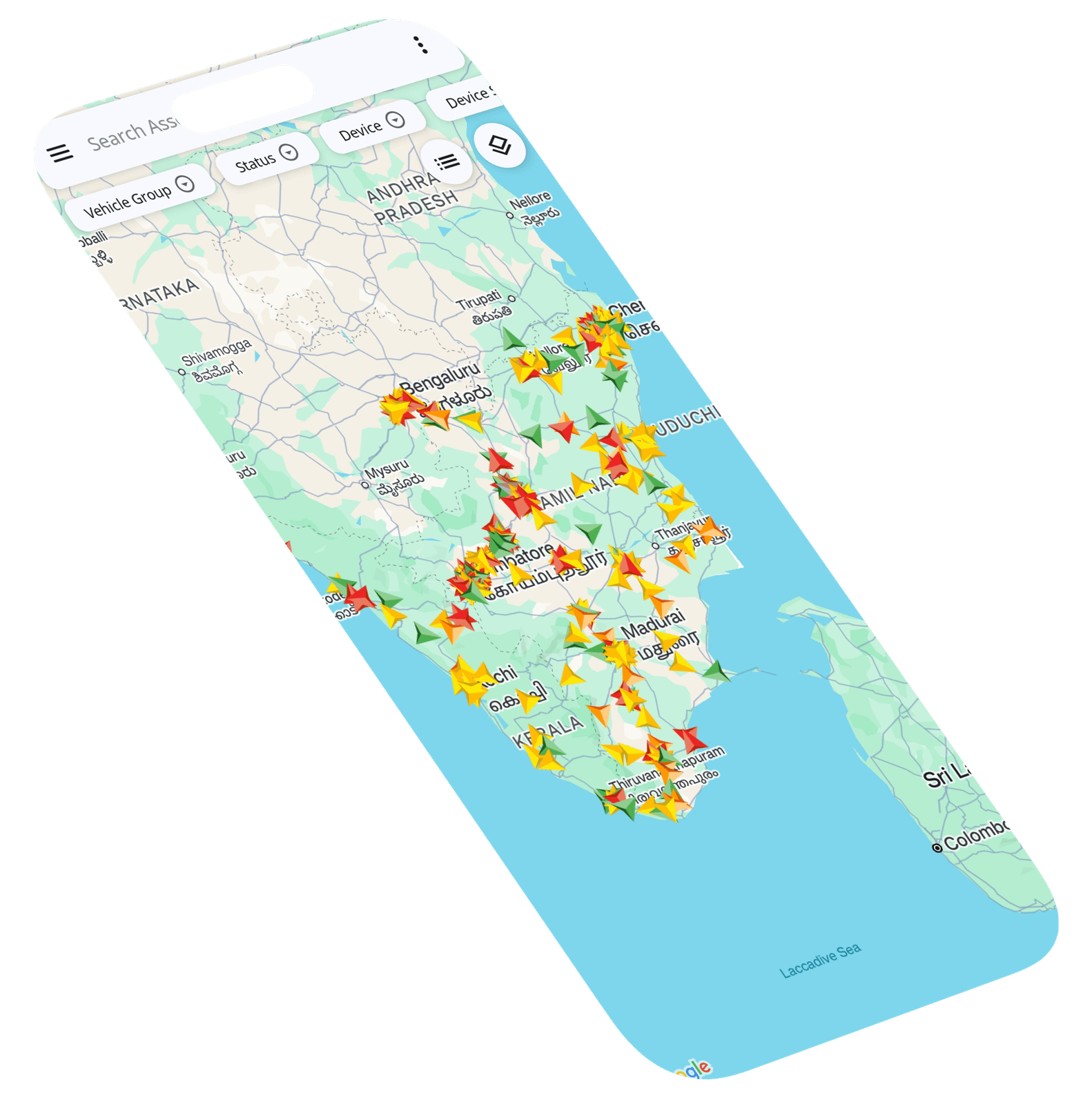
See which vehicles are due for maintenance and which require attention.
Fuel & Service Management
Bring fuel usage, vehicle health, maintenance activity and service planning into one connected platform. Understand what each vehicle needs, reduce unexpected downtime and keep your fleet ready for the next journey.
Maintenance Management
Manage maintenance activity across vehicles from one centralized view.
Track service needs, review vehicle history and take action before small issues become costly breakdowns.
Service Due · Maintenance Status · Vehicle Overview
See which vehicles are due for maintenance and which require attention.
Service Intervals · Maintenance Planning · Scheduled Work


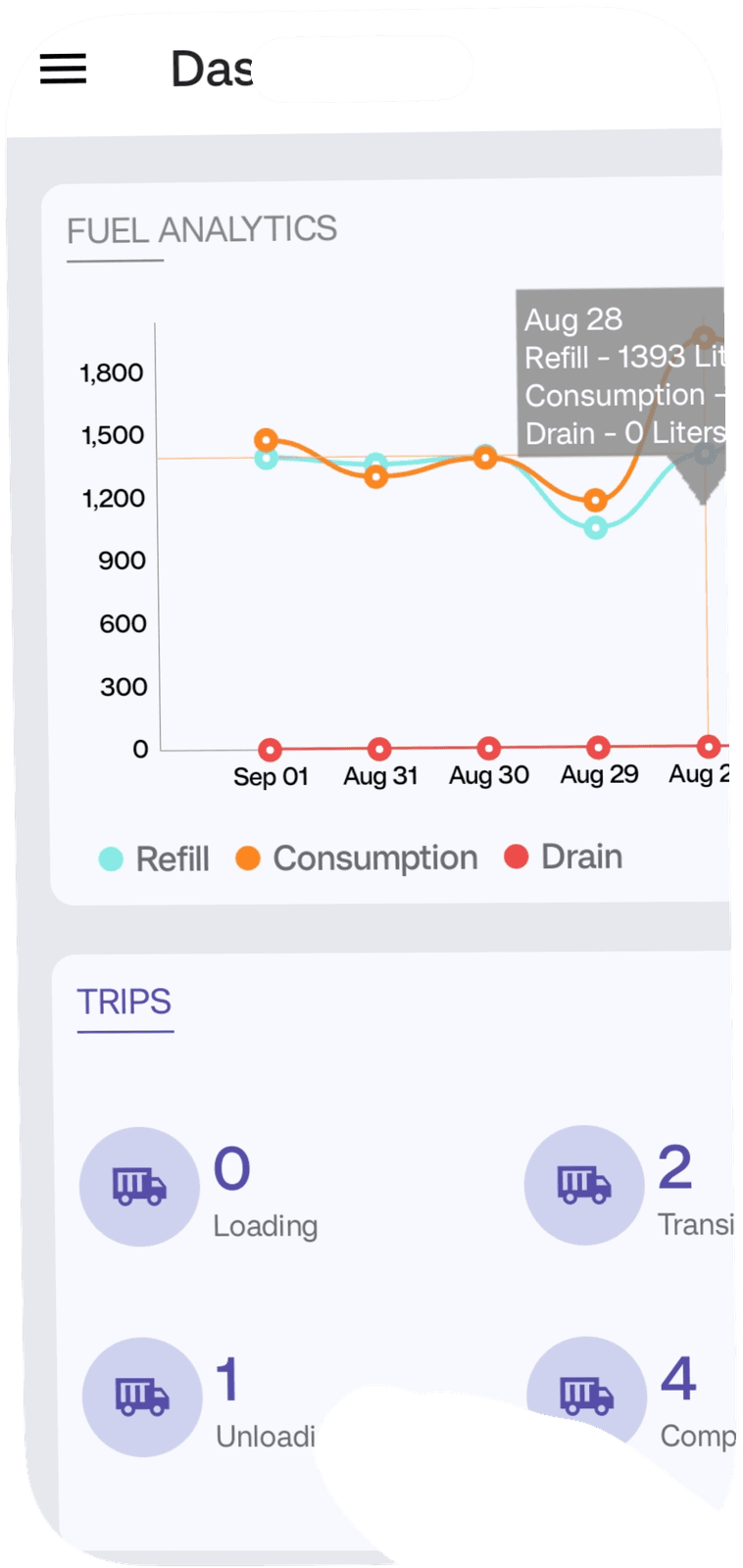
Plan maintenance around vehicle usage, service intervals and operational requirements.
Service Records · Repair History · Maintenance Logs

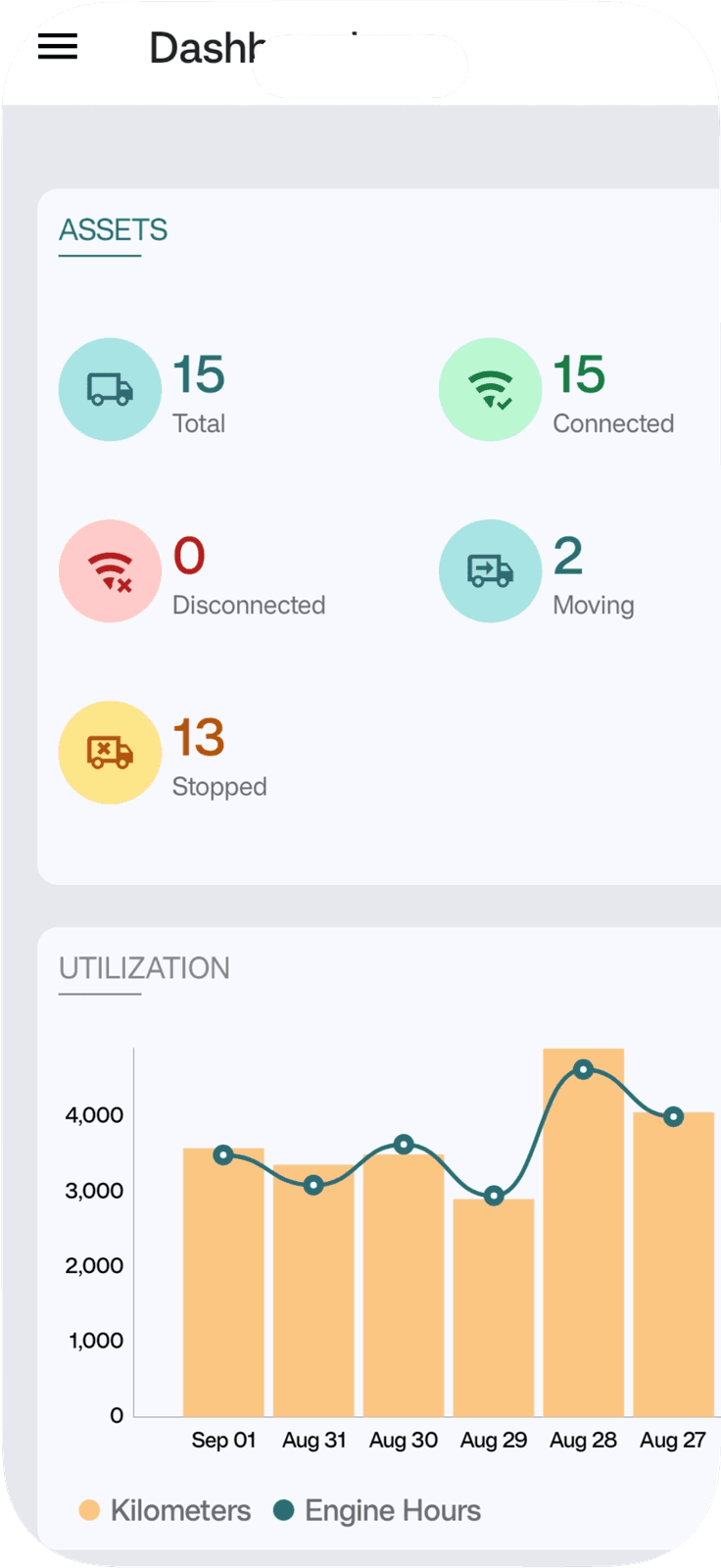
Review previous maintenance activity for each vehicle in one place.
Maintenance Costs · Repair Expenses · Cost Trends


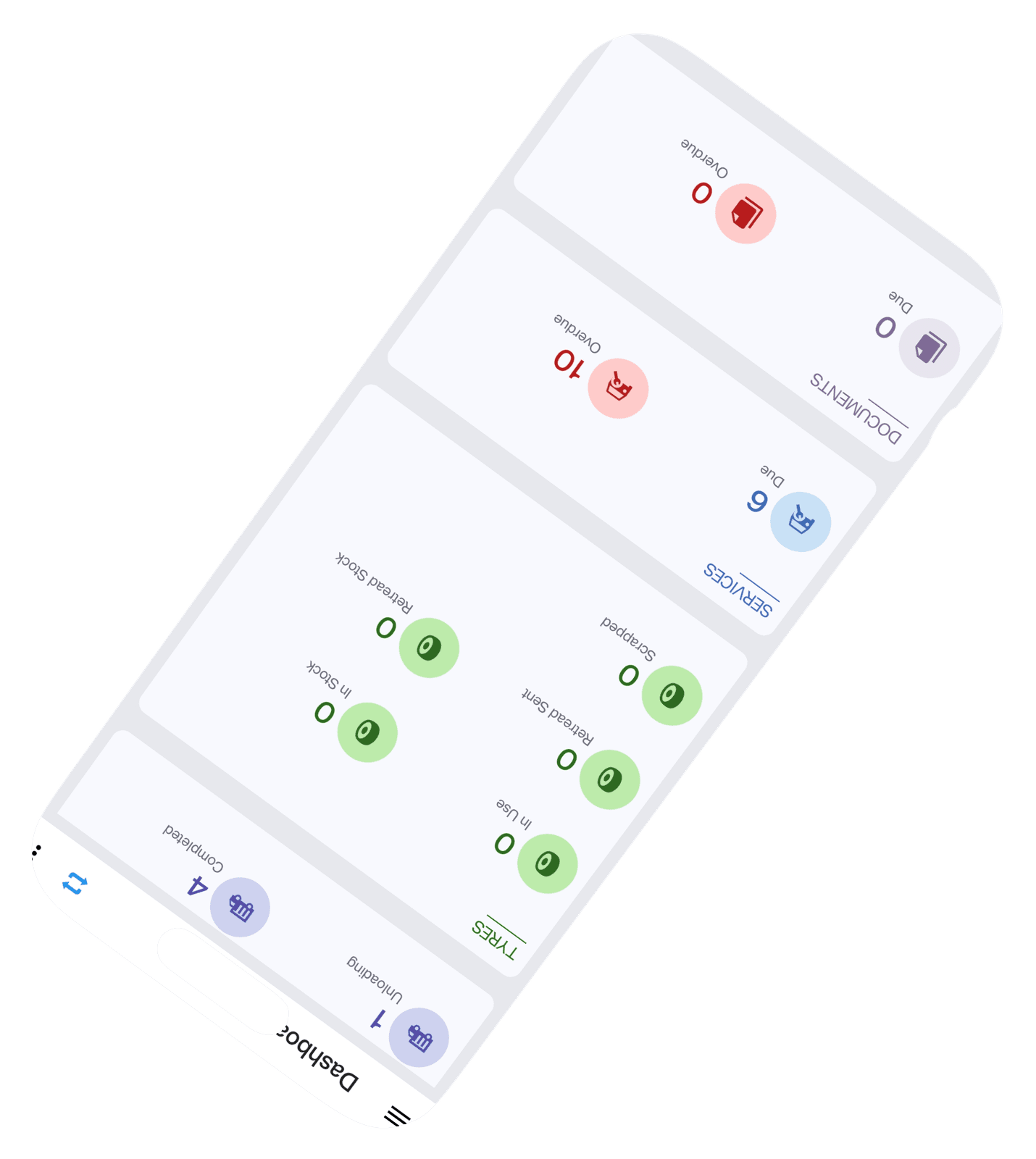
Understand maintenance-related activity and expenses across vehicles.
Fuel Management
Bring fuel consumption, refuelling activity and vehicle movement into one connected view.
Identify unusual usage, understand fuel-related costs and make better decisions to improve efficiency across your fleet.
Fuel Usage · Consumption Data · Vehicle-Wise Usage · Fuel Trends

Connect fuel activity with vehicle movement and operational data. Get a clearer picture of where, when and how fuel is being consumed.
Vehicle Health
Bring vehicle condition, operating data and maintenance indicators into one connected view. Identify early signs of concern and take action before issues affect daily operations.
Health Status · Vehicle Overview · Fleet Health · Attention Required
Arrival Estimates · Expected Time · Destination Timing
Vehicle Profiles · Health History · Performance Trends
Service Needs · Inspection Planning · Repair Priorities · Preventive Action
Service Scheduling
Organize upcoming maintenance around vehicle needs, service intervals and operational schedules.
Keep service activities visible so teams can prepare vehicles without disrupting essential journeys.

Service Due · Upcoming Maintenance · Vehicle-Wise Schedule · Service Status
Know which vehicles are approaching their next service requirement. Keep upcoming maintenance visible and reduce the risk of missed service intervals.

Service Planning · Vehicle Availability · Maintenance Calendar
Coordinate service activities around vehicle usage, availability and operational commitments. Plan ahead to reduce interruptions.

Service Alerts · Due Reminders · Overdue Maintenance · Timely Action
Stay informed about upcoming or overdue maintenance activities. Give teams timely reminders so required work can be scheduled before it affects fleet operations.
Job Cards
Organize maintenance work from the initial issue to completion through structured digital job cards.
Keep vehicle details, assigned tasks and service progress connected so teams can work with greater clarity and accountability.

Service Request · Job Description · Maintenance Task
Create a clear service task for each vehicle requiring inspection, maintenance or repair. Capture the essential job details so every task begins with the right information.

Job Status · Pending Work · In Progress · Completed Jobs · Service Updates
Follow the status of each maintenance job from initiation to completion. Know what is pending, in progress or finished without relying on disconnected updates.

Job History · Repair Details · Service Records · Completion Notes
Maintain a structured history of completed jobs, repairs and maintenance activity. Use past records to support verification, future planning and better vehicle care.

Technician Assignment · Service Team · Job Ownership · Work Allocation
Connect each job with the responsible technician or service team. Make ownership clear and improve coordination across maintenance activities.

Parts Used · Material Details · Labour Cost · Service Expenses
Keep relevant parts, materials and service costs connected with the maintenance job. Improve visibility into what each repair requires.

Completion Status · Service Confirmation · Final Inspection
Record completed work and confirm that the vehicle is ready to return to operations. Create a clear final reference for maintenance teams and fleet managers.

